
🎨
Prompt styles
Select the style that you want, then press Enhance (in the app) or Optimize Prompt (in the tutorial) so your prompt is enriched to match that look.
Let us know if you have style suggestions you'd like us to add.
Without Style
Choosing Without Style skips style-specific keywords in prompt enhancement—useful when you want the model to follow your wording only.
References for each style
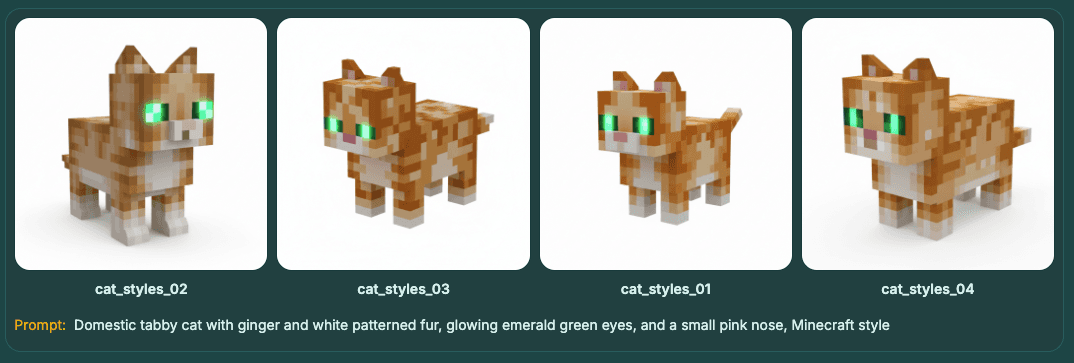
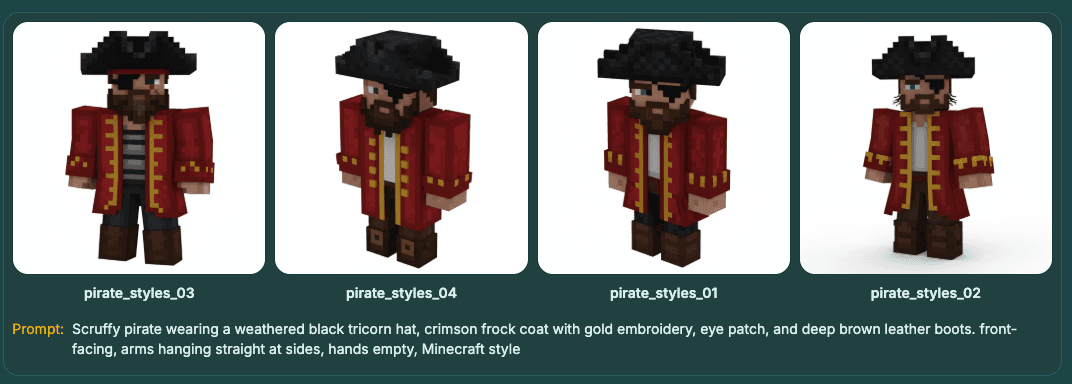
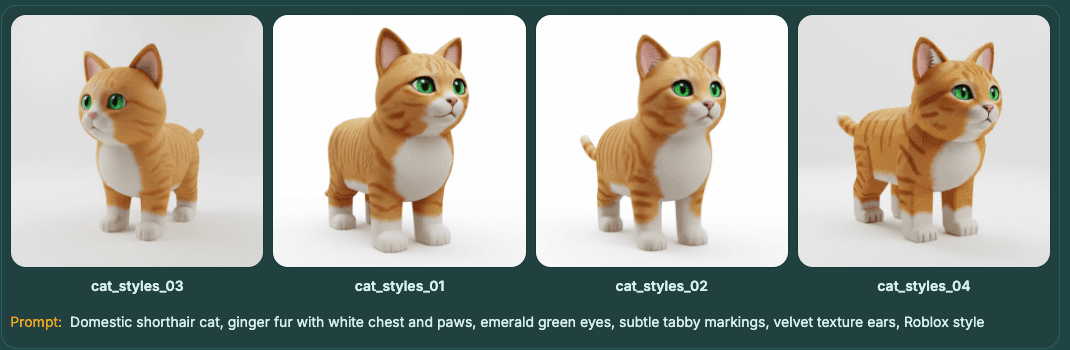
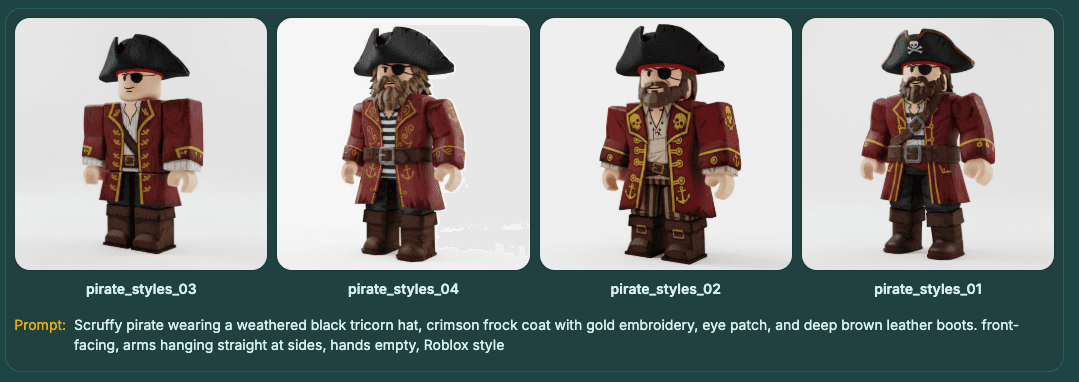
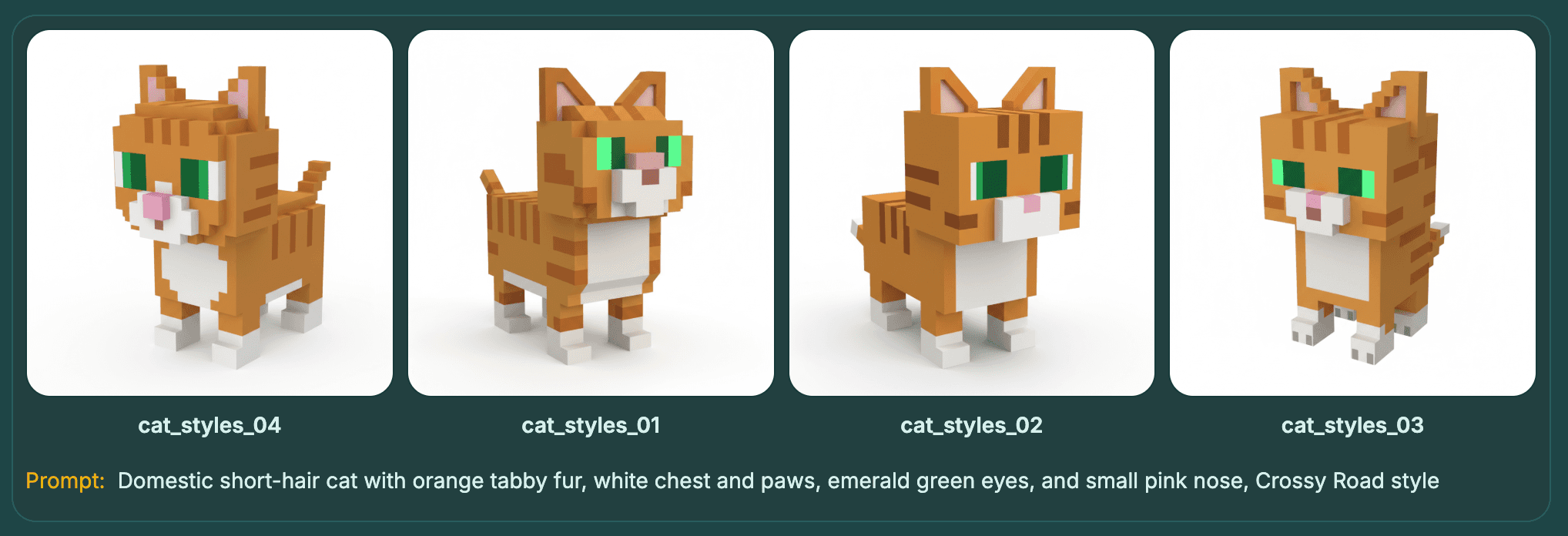
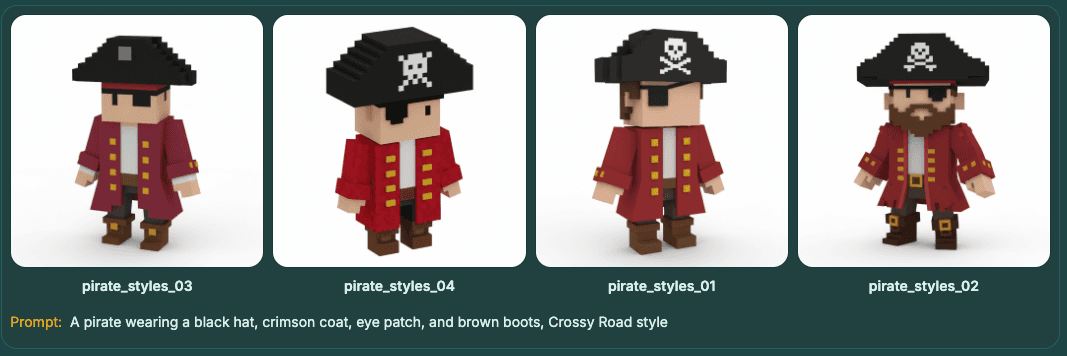
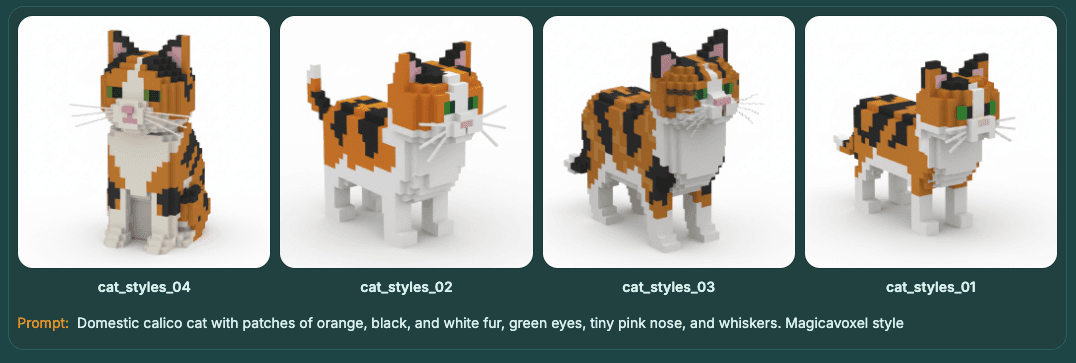
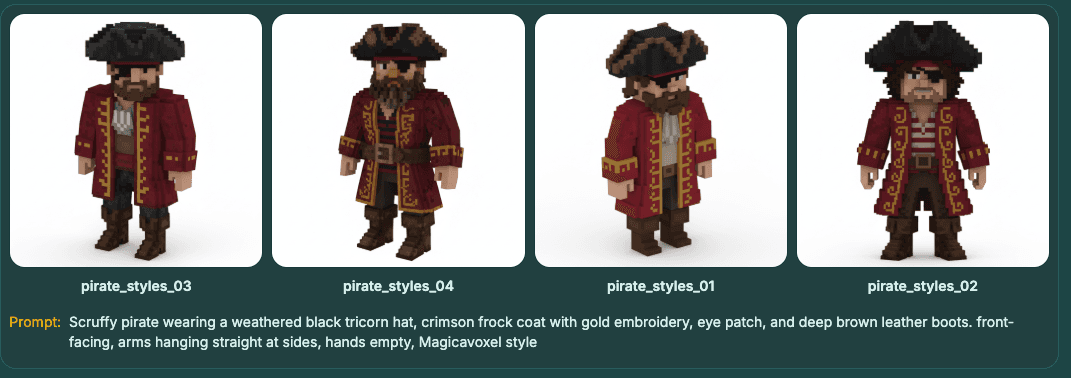
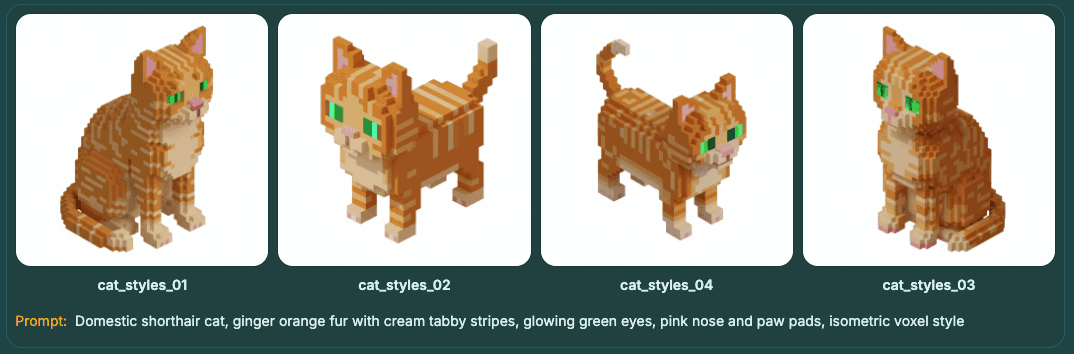
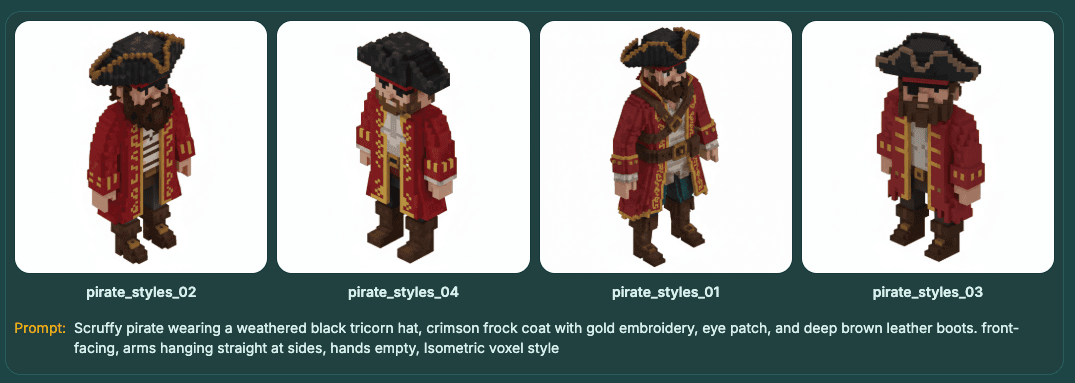
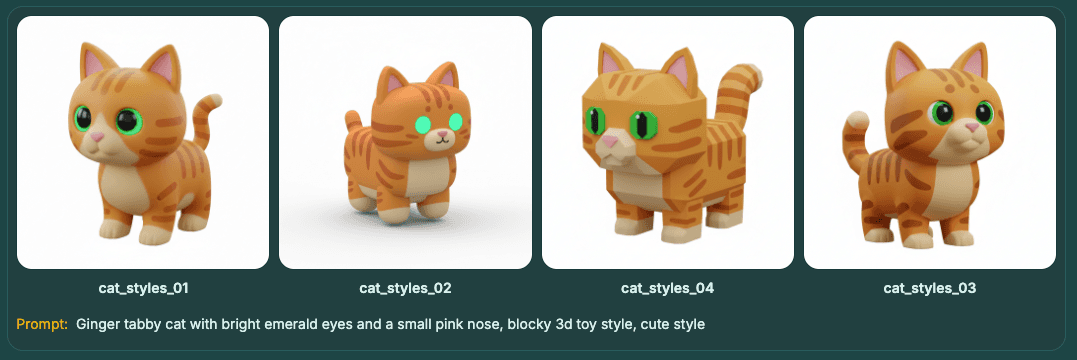
Below are two reference examples per style. Same subject, different runs—your results will vary with prompt and image model.
Minecraft Style
Roblox Style
Crossy Road Style
Magicavoxel Style
Isometric Voxel Style
Blocky Cute Style 1
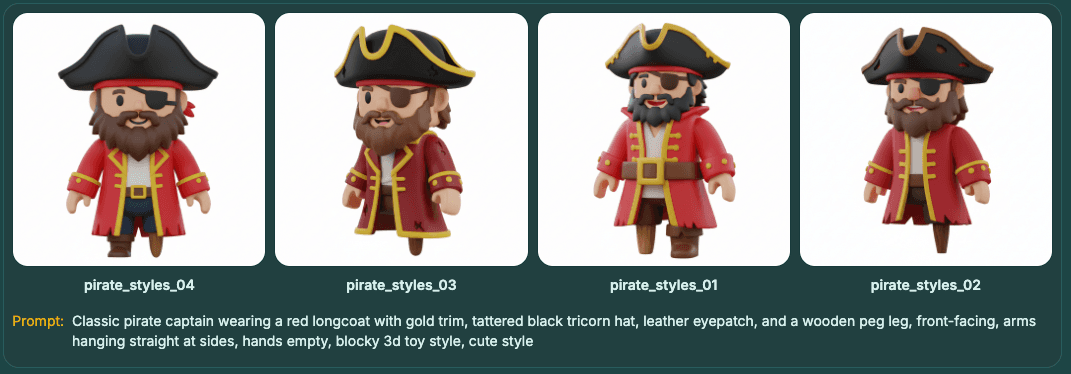
Blocky Cute Style 2
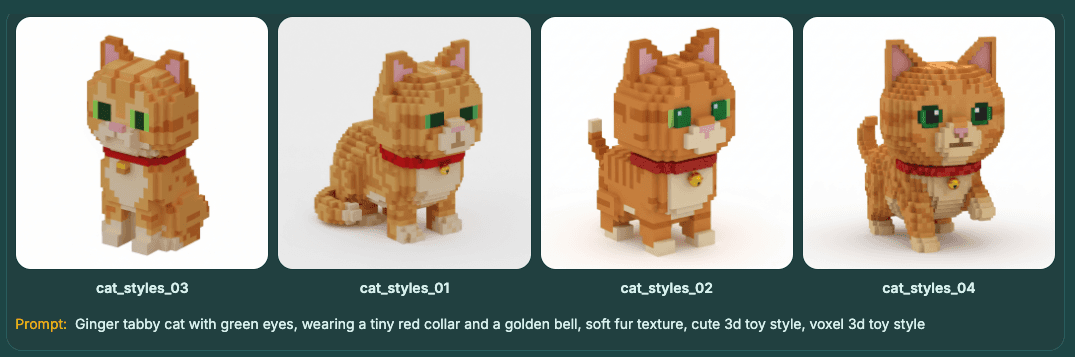
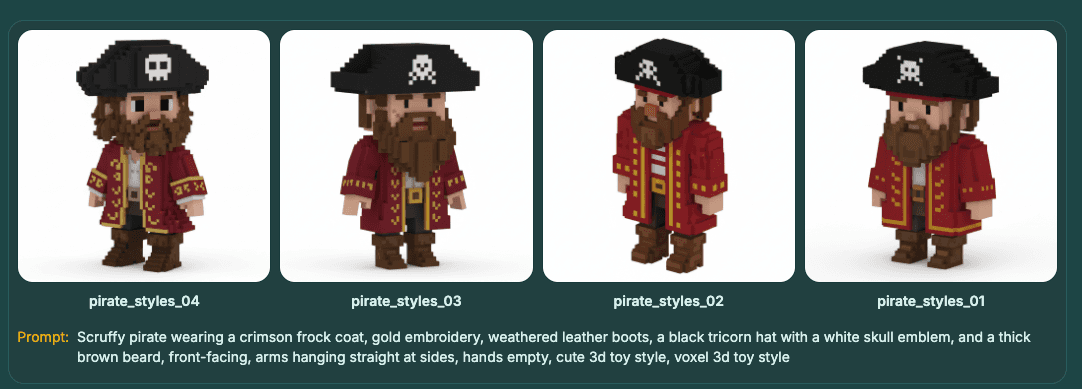
Image generation models (text-to-image)
Credits are charged per batch of 4 images. Pick a model in the app before generating.
| Model | Credits / 4 images |
|---|---|
| Voxai (Finetuned for voxel style) | 15 |
| NanoBanana | 24 |
| NanoBanana 2 | 40 |
| NanoBanana Pro | 64 |
For 3D voxel generation models (VoxAI V1/V2/V3), see AI Models.